
Step by step
How it works.
Your step-by-step guide to an automated spray tan.
The process
How it works, step by step.
01
Book online
Choose your studio, date and time online or in the app. Each booking is a 20 minute slot, with about 4 minutes in the booth. Download the app before your visit to unlock the studio and your room.
02
Check in and enter
5 minutes before your booking, tap Check In in the app at the Bluetooth reader to open the studio. At your start time, tap Check In again to open your room.
03
Prep in the room
Remove all jewellery and makeup, then apply your hair net, sticky feet and our barrier cream. Everything you need is provided in your private room.
04
Choose your glow
Select your shade and depth from the tan menu on the wall. Enter the corresponding colour code into the blue Tmax box and press 'Start'.
05
Step into the booth
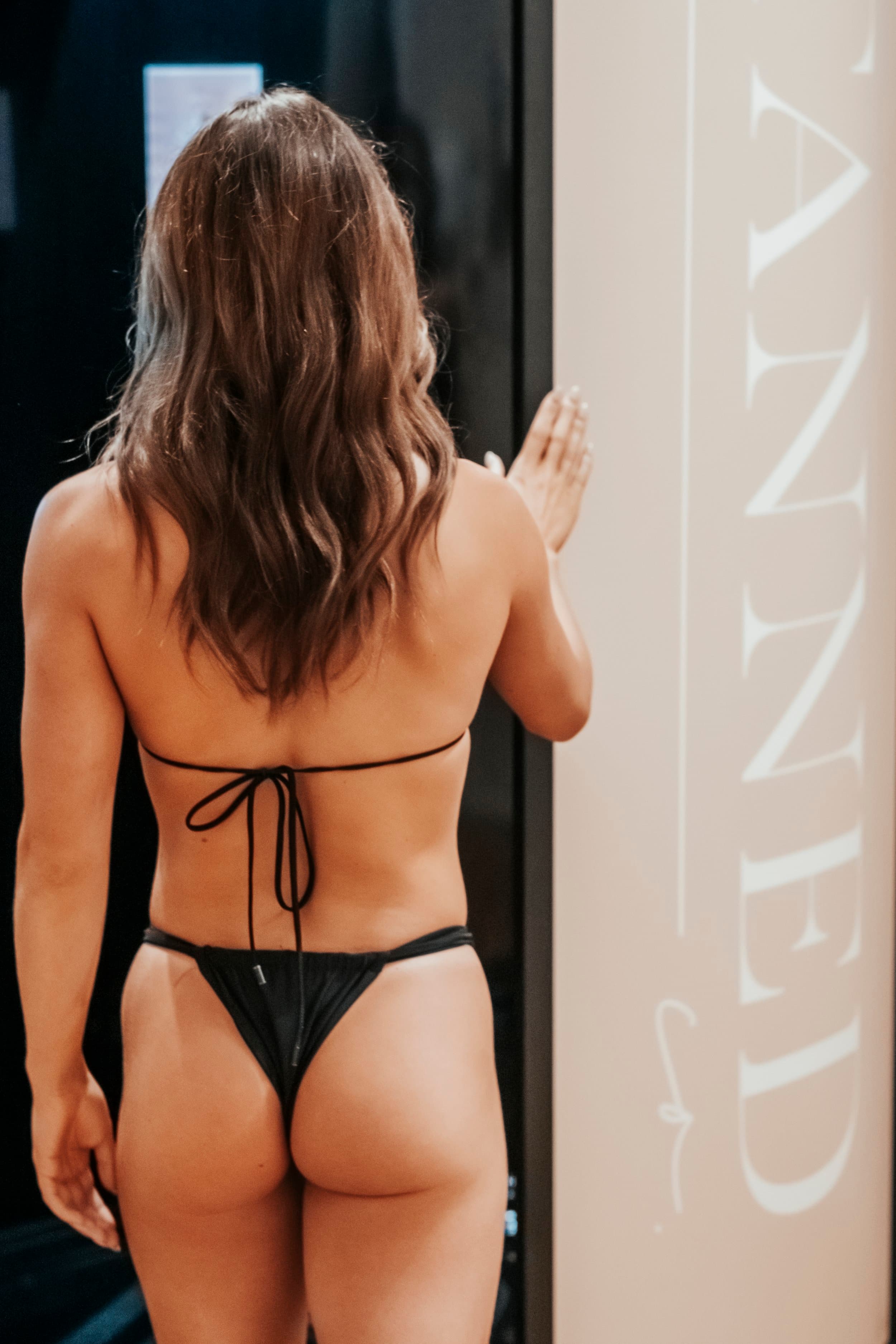
Enter the booth and follow the voice prompts. They'll guide you through each position for full, even coverage.
06
Get dressed and go
Get dressed and go. Your colour keeps developing for 24 hours.

Private. Automated. Yours.
Tan colours
Choose your shade.
3 signature colours, each available in 3 depths. That's 9 shades in total, so you can find the glow that suits you.
Quick rinse
Rapid Venetian
A cool violet-brown for a classic European-style tan, and the quickest to rinse if you're short on time.
Depths: Natural, Medium, Dark
Rinse after 2 to 3 hours
Warm brown, cool violet
Malibu
A warm brown with cool violet undertones.
Depths: Natural, Medium, Dark
Rinse after 6 to 8 hours
Warm brown
Monterey
Warm brown undertones for a classic beach tan.
Depths: Natural, Medium, Dark
Rinse after 6 to 8 hours
In the room
Before you step in.
Follow these 4 steps inside your tanning room before starting your session.
01
Undress and remove jewellery
Get undressed and remove any jewellery.
02
Put on a hair net
Put on a hair net and leave your hairline and ears exposed for even coverage.
03
Apply barrier cream
Apply barrier cream to your palms, back of hands and feet including nails to prevent over-absorption.
04
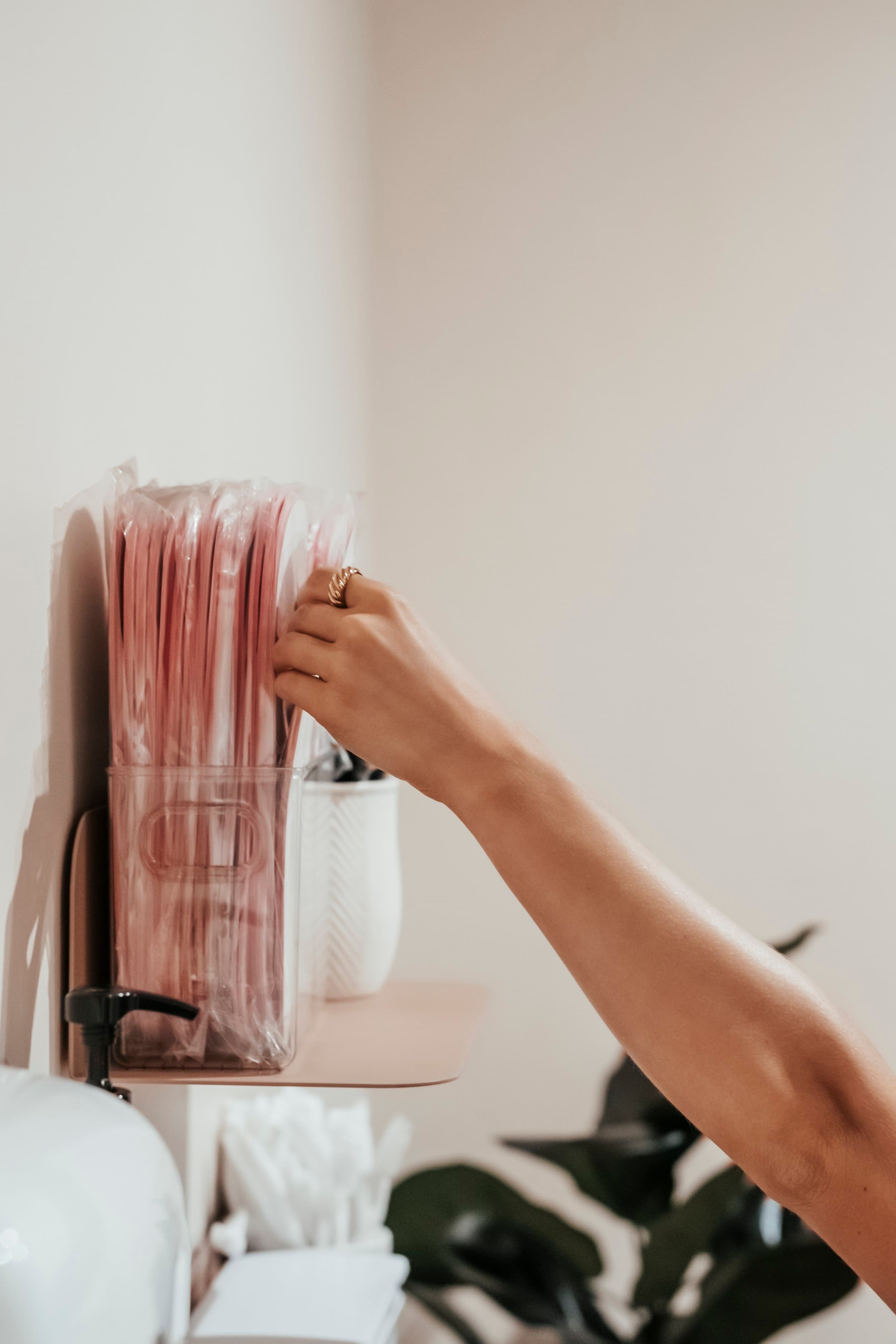
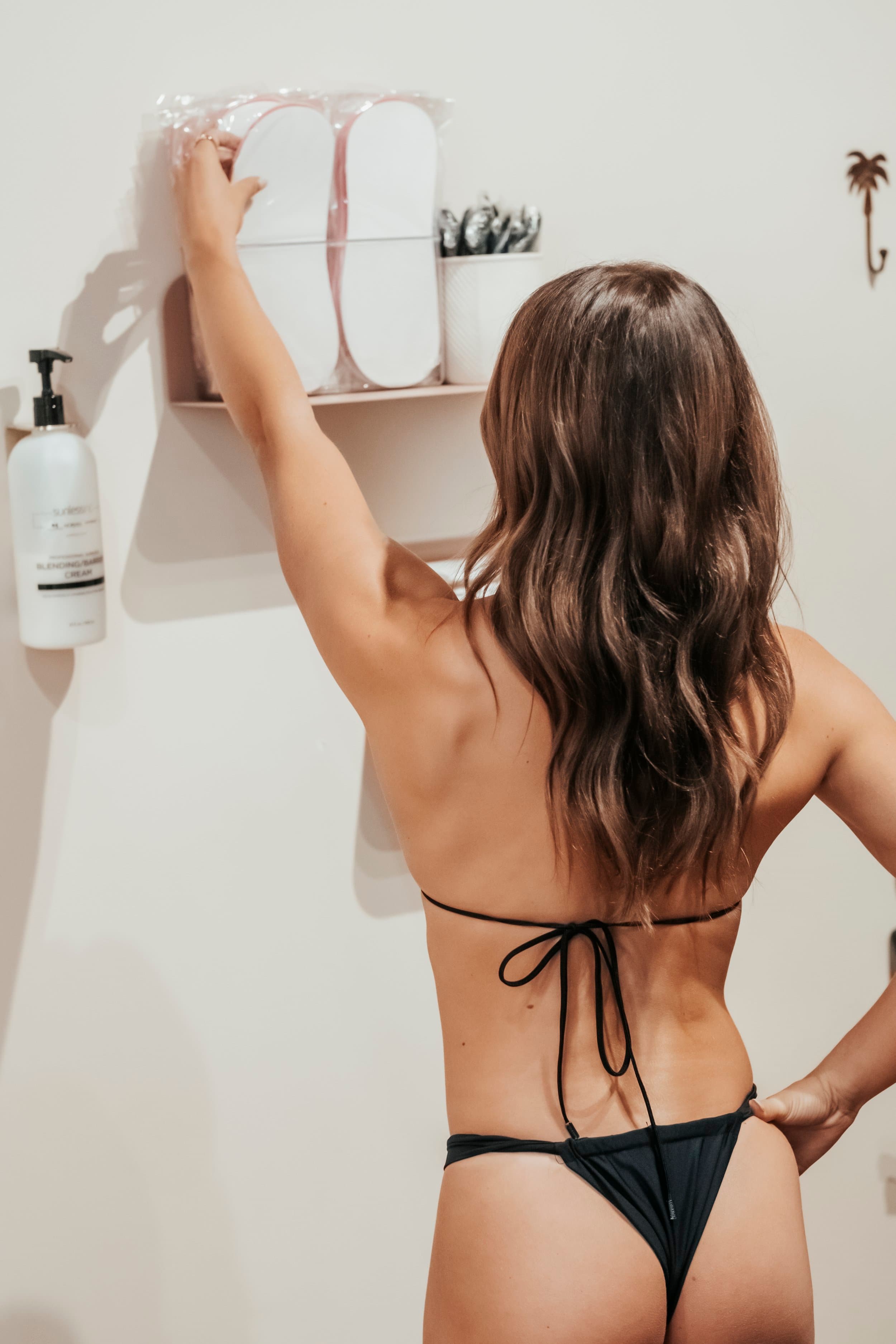
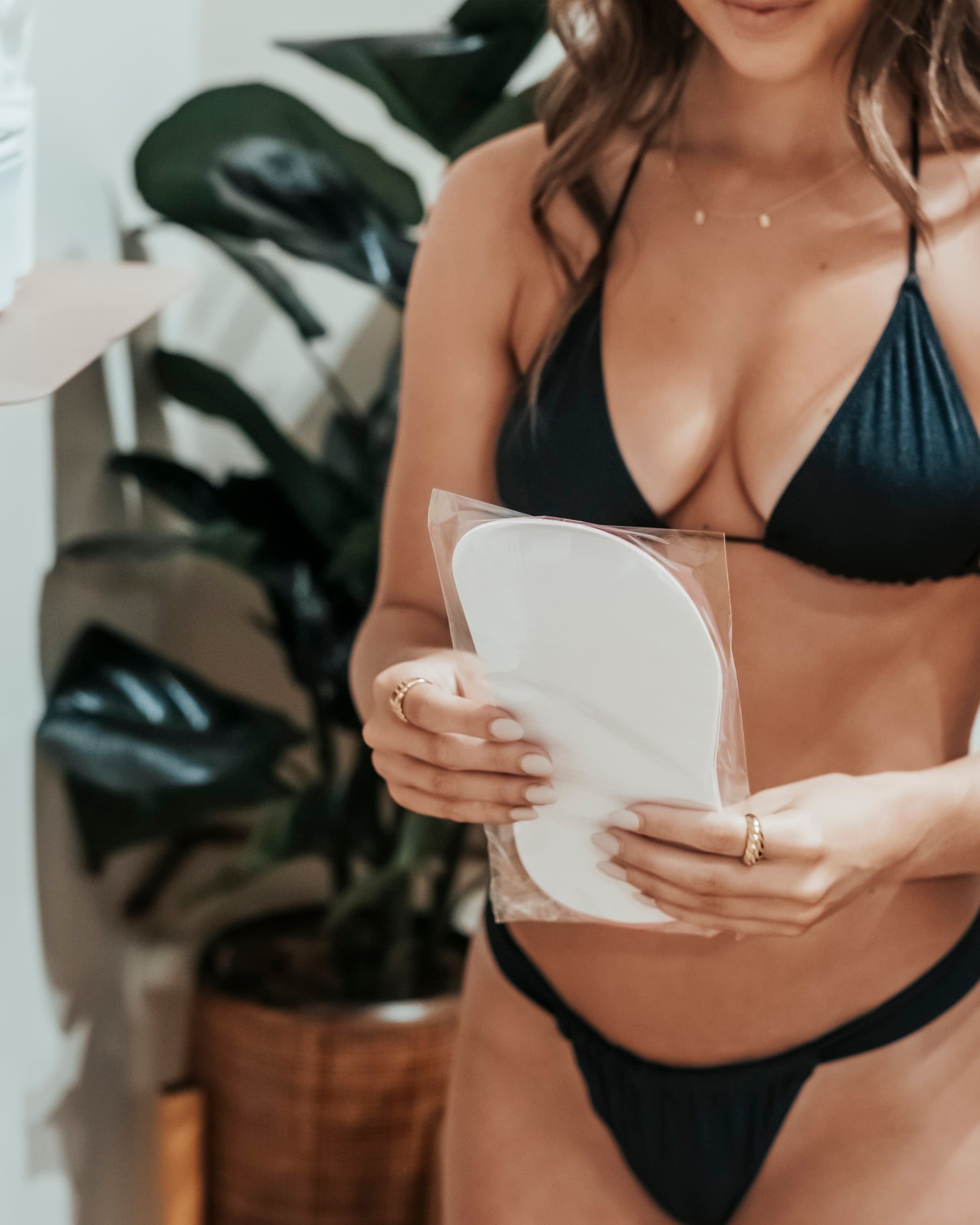
Apply sticky feet
Apply sticky feet to the bottom of your feet to keep them clean during your session.
Book in under a minute
Book online, unlock with the app.
Book online. Download the app before your visit to unlock the studio and your room. You can also book and manage sessions in the app, then check in with it when you arrive.
Step 01
Sign up.
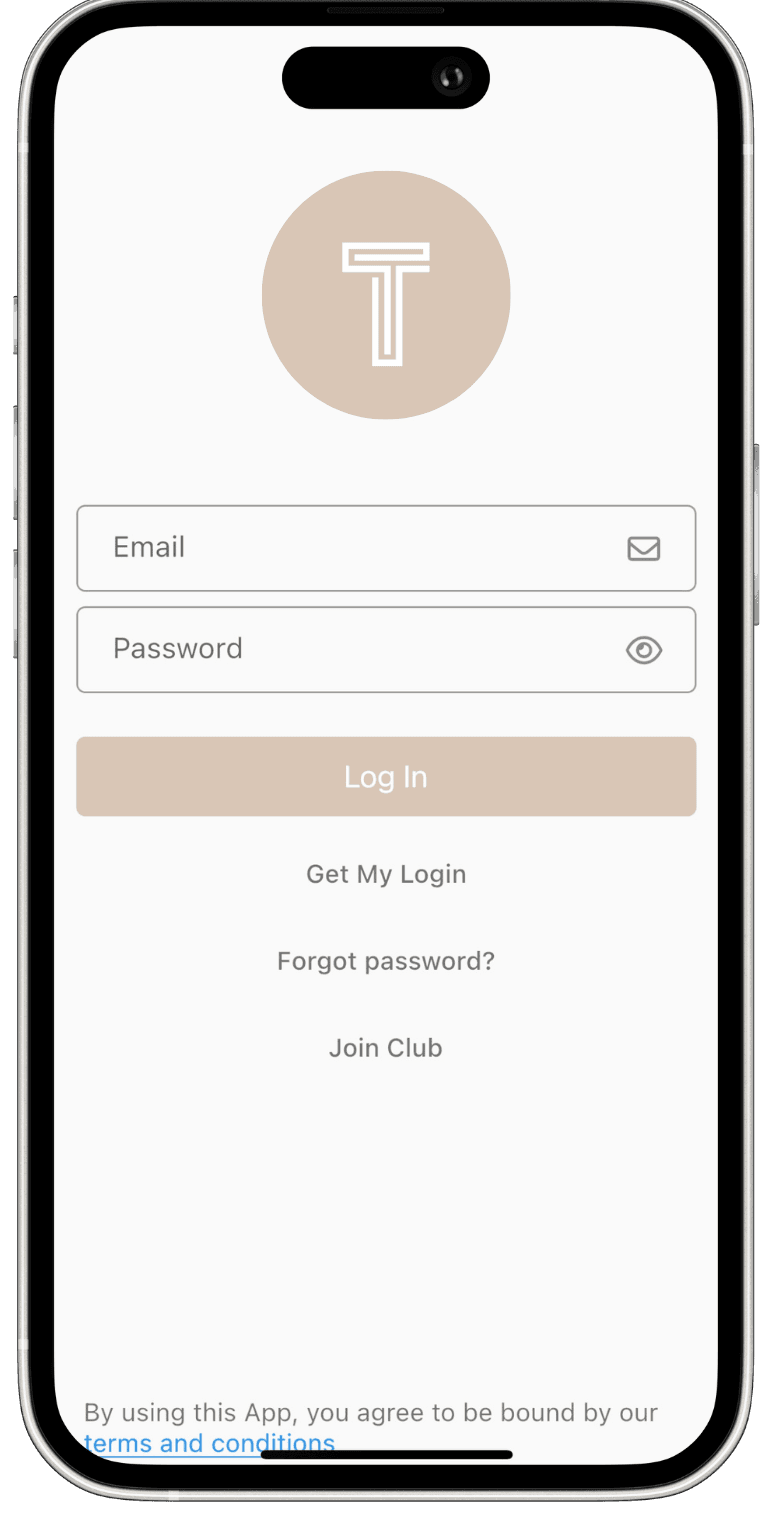
Download the Tanned Co. app, create your account and choose your studio.
Step 02
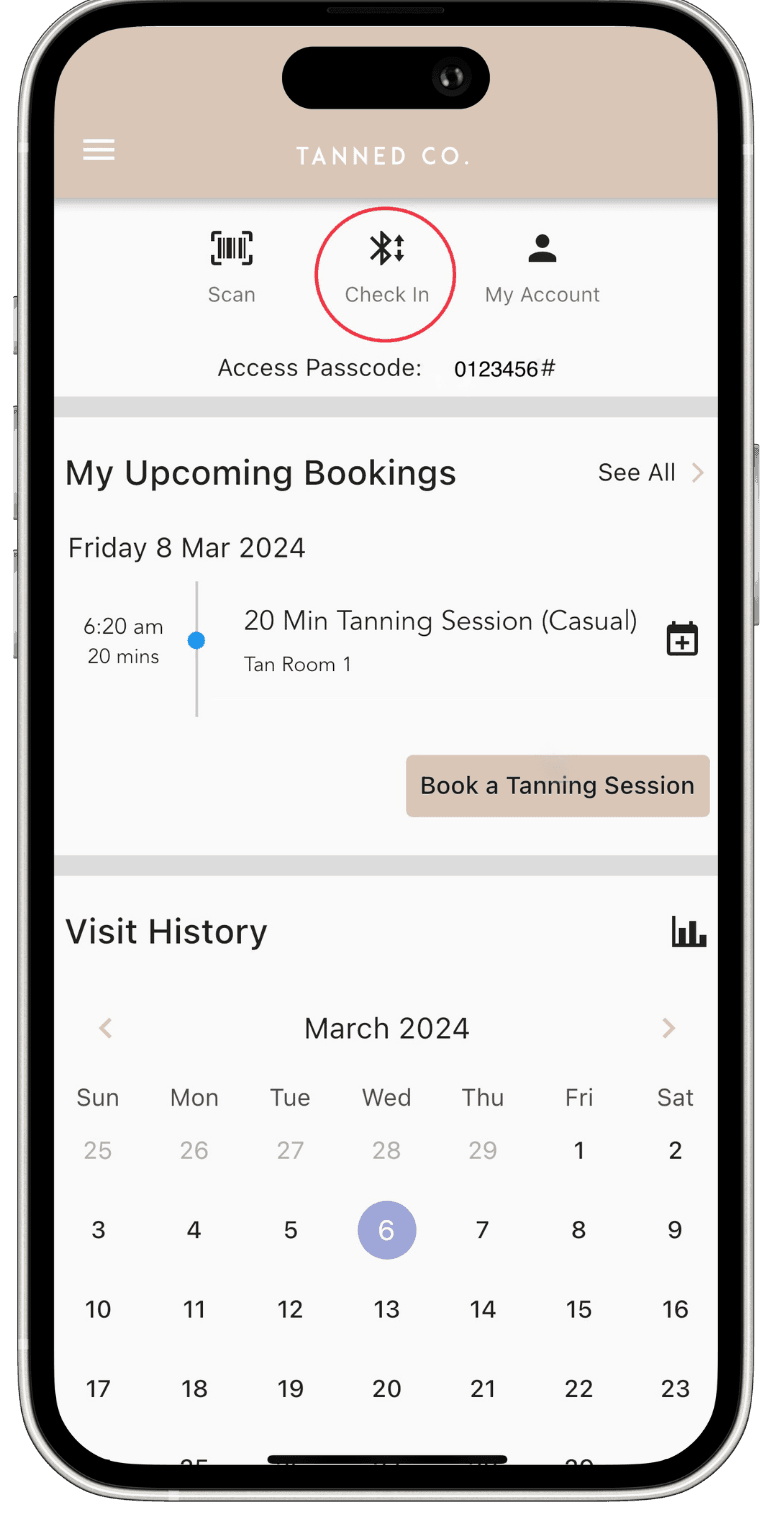
Book your session.
Pick a studio, date and time, and pay in the app. Casual tans have no commitment.
Step 03
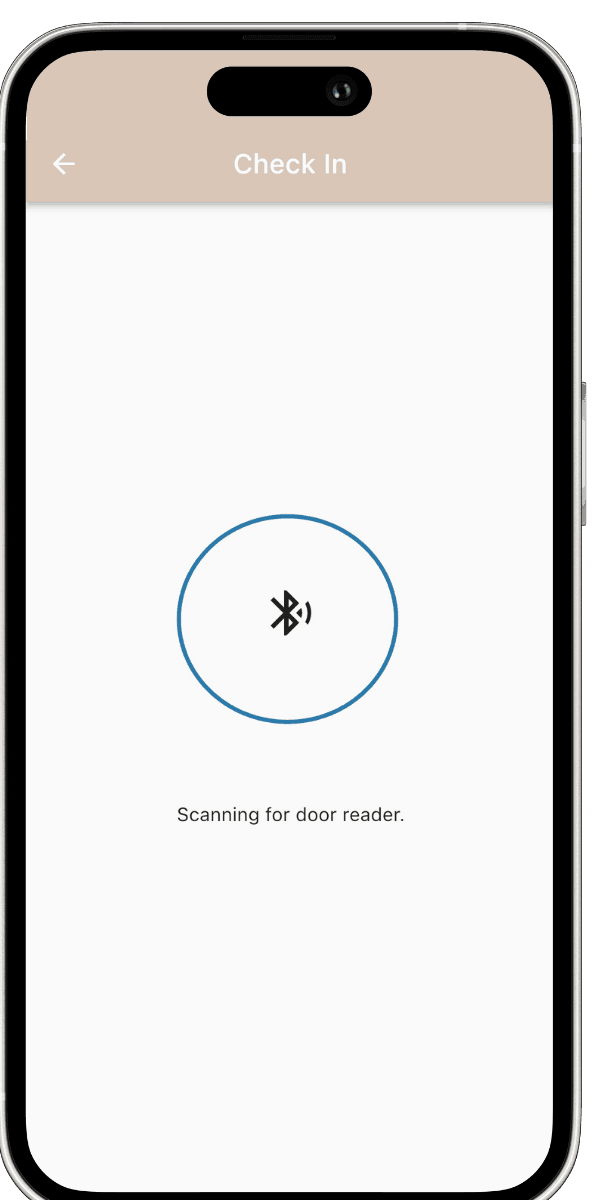
Arrive and check in.
5 minutes before your booking, tap Check In at the Bluetooth reader to open the studio. At your start time, tap again to open your room.
After your session
Aftercare tips.
- Wait 6 to 8 hours before showering with Malibu or Monterey, or 2 to 3 hours for Rapid Venetian
- Pat dry, don't rub
- Moisturise daily to extend your tan
- Avoid chlorine and long baths
- Use tan-safe body wash
- Exfoliate before your next session
Five studios. Open 7 days.
Ready to book?
Book online in under a minute. Your colour keeps developing for 24 hours.